
Applying your discount code is quick and easy! Just follow these simple steps:
-
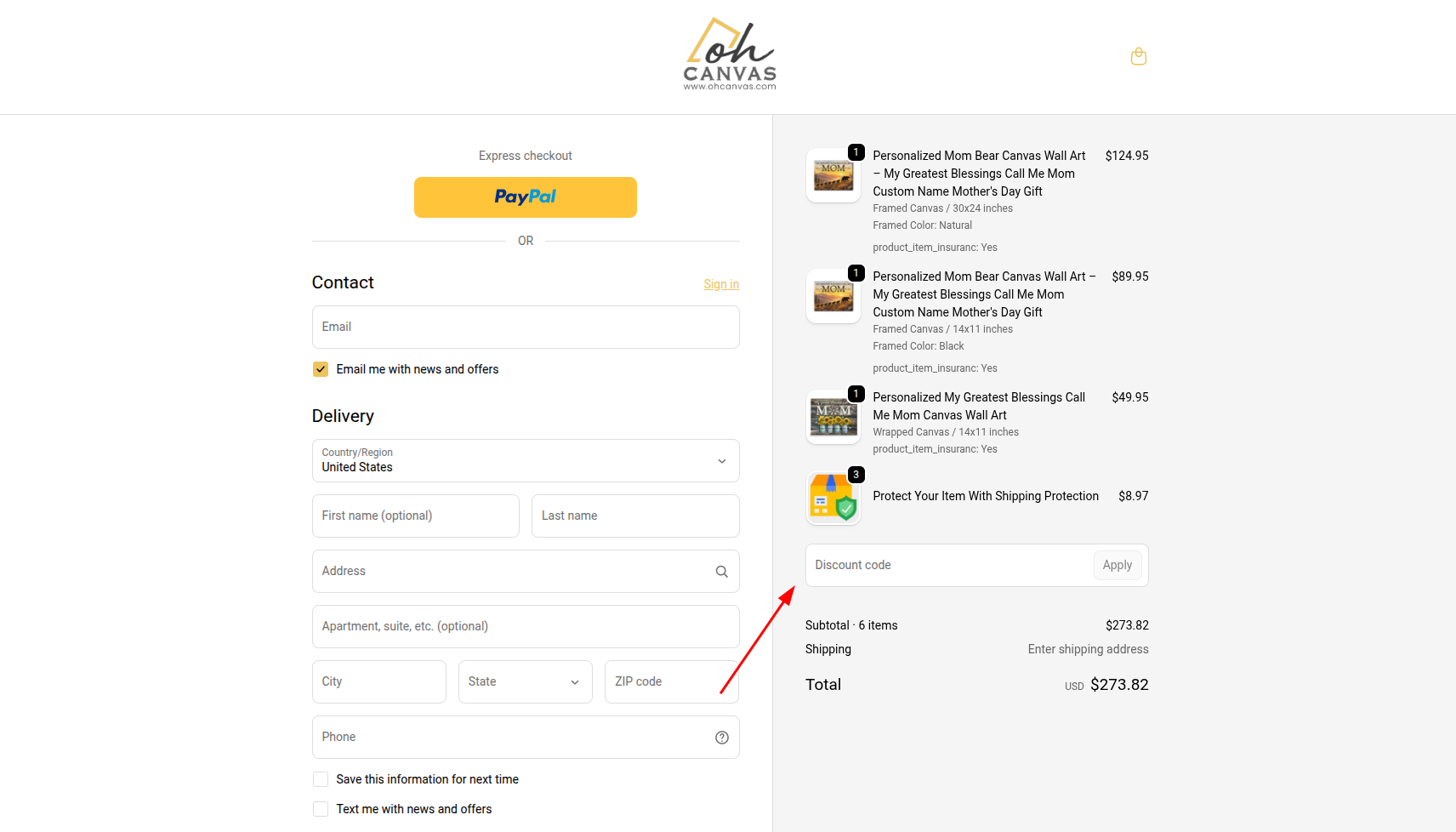
Proceed to Checkout: Once you have added your personalized items to your cart, head over to the checkout page.
-
Enter the Code: Locate the “Gift card or discount code” box. (On a desktop, this is usually on the right side of the screen; on a mobile device, you may need to tap “Show order summary” at the top to reveal the box).
-
Click Apply: Type or paste your exact promo code into the box and click “Apply.” Your order total will instantly update to reflect your savings!
Having trouble?
If you receive an error message after clicking apply, please check out our guide on Why is my promo code not working?. If you still need help, do not hesitate to reach out to our team via the Contact Us page!