
For your convenience, this article provides quick instructions on how to sign in or create a new Oh Canvas account.
1. Sign in or Sign up on Desktop
Click “LOGIN” to easily navigate to the login page for your Oh Canvas account.

If you use the Shop App, you can also use your Shop account to sign in quickly!
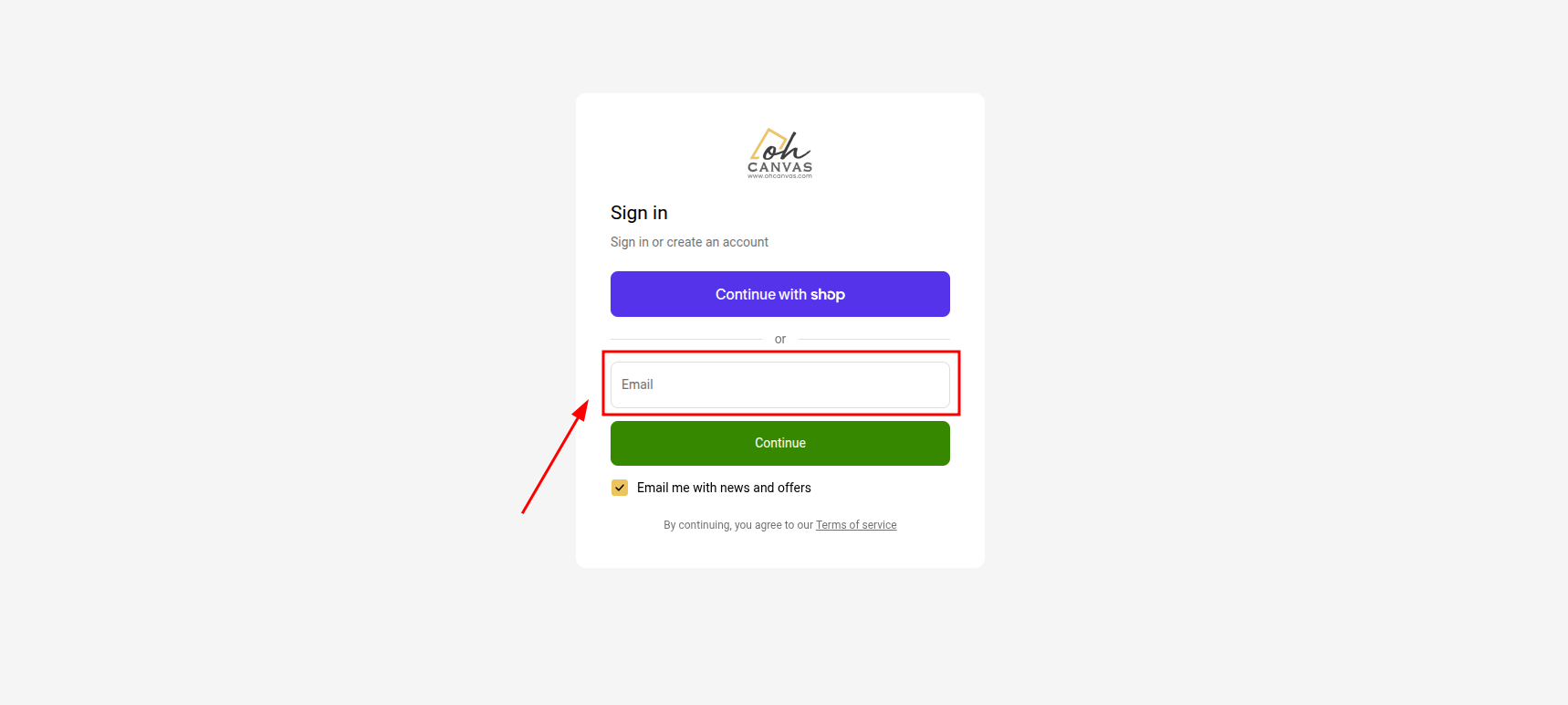
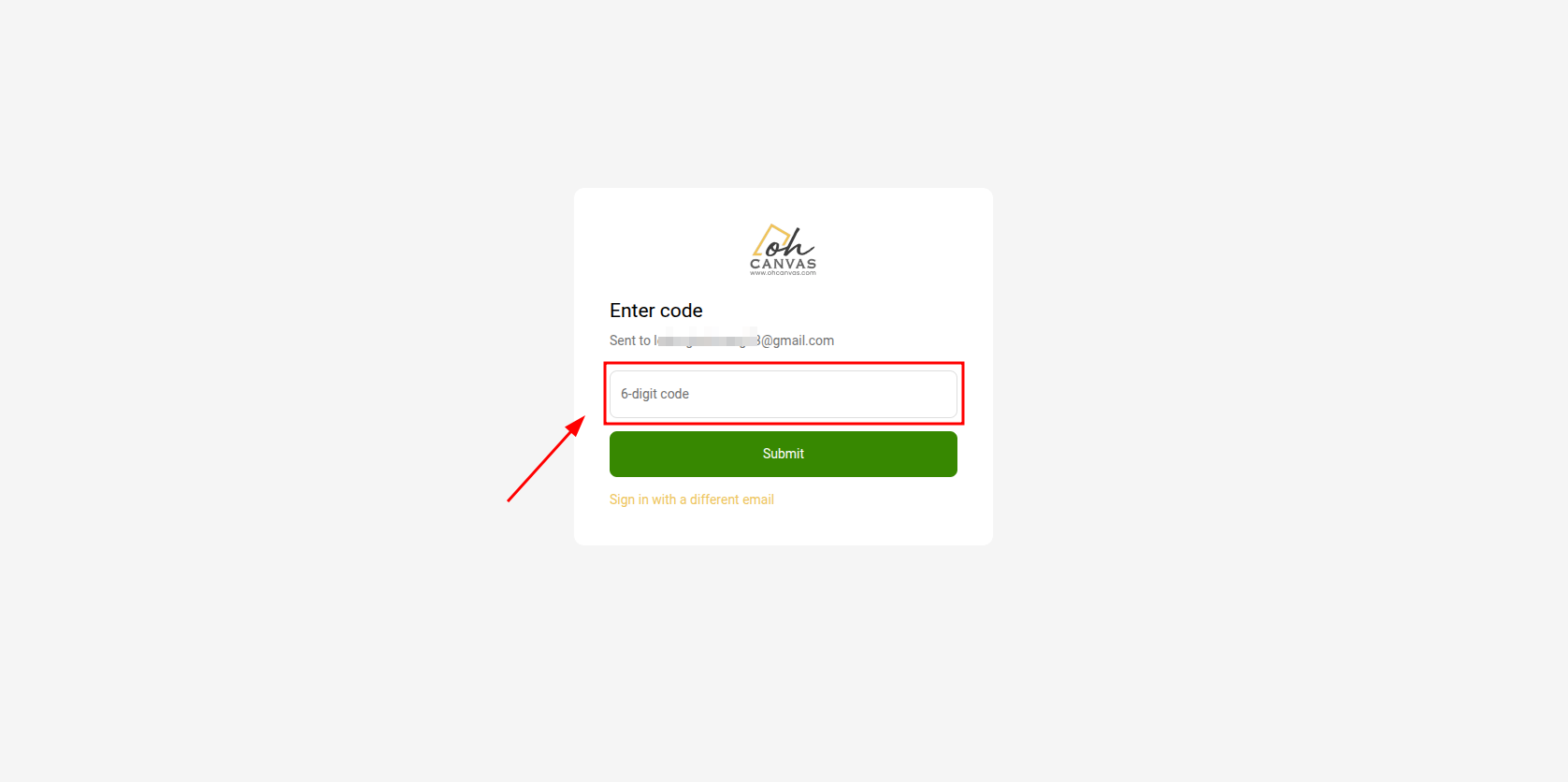
Important Notes for New Accounts:
-
A customer account activation email will be sent to you for final verification. Please keep an eye on your main inbox and your junk/spam folder to complete the account creation process.
-
If you would like to receive exclusive promotions, upcoming event notifications, and discount codes from Oh Canvas, please make sure to subscribe to our mailing list!
2. Sign in or Sign up on Mobile
When browsing on your mobile phone, simply tap the Login icon located right next to the shopping cart icon at the top of our website. From there, please follow the same steps as you would on a desktop.
📌 Quick Tips:
-
If you already have an account but want to create a separate one, simply sign up again using a different email address.
-
Check out our Account Overview article to discover all the great benefits of having an Oh Canvas account!