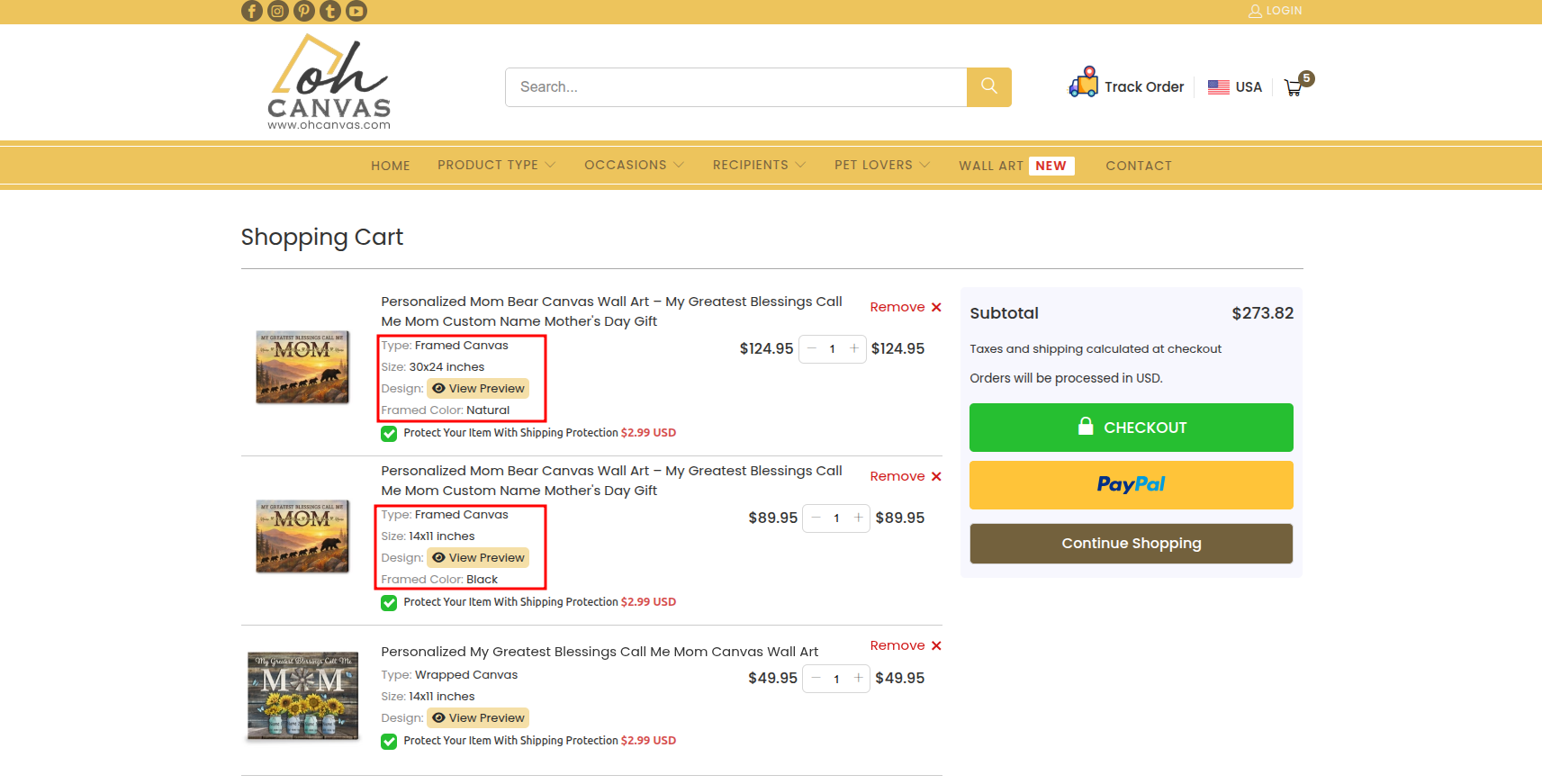
If you love a specific canvas design and want to order multiple pieces in different sizes or frame colors (for example, one large framed canvas for the living room and a smaller wrapped one for the bedroom), the process is quick and easy on both mobile and desktop!
Here is how you do it:
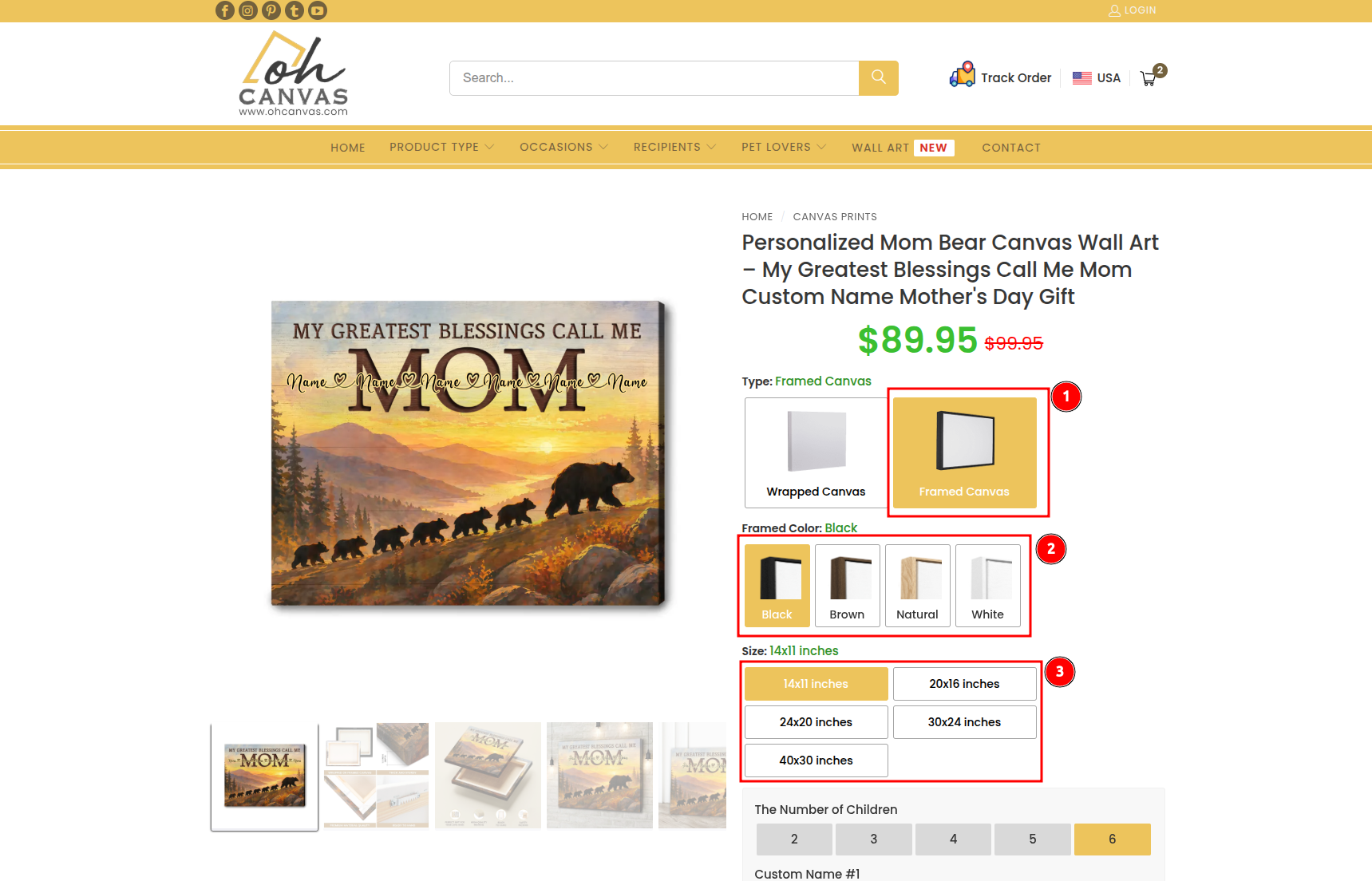
Step 1: Customize your first canvas Go to the product page of your chosen design. Select your preferred Type (Wrapped or Framed), Frame Color (Black, Brown, Natural, or White), and Size. Complete any required personalization, review your design, and click the Add to Cart button.
Step 2: Click “Continue Shopping” After clicking “Add to Cart”, a cart pop-up notification will appear. Instead of proceeding to checkout, simply click Continue Shopping (or click outside the pop-up/click the “X” to close it) to stay on that exact same product page.
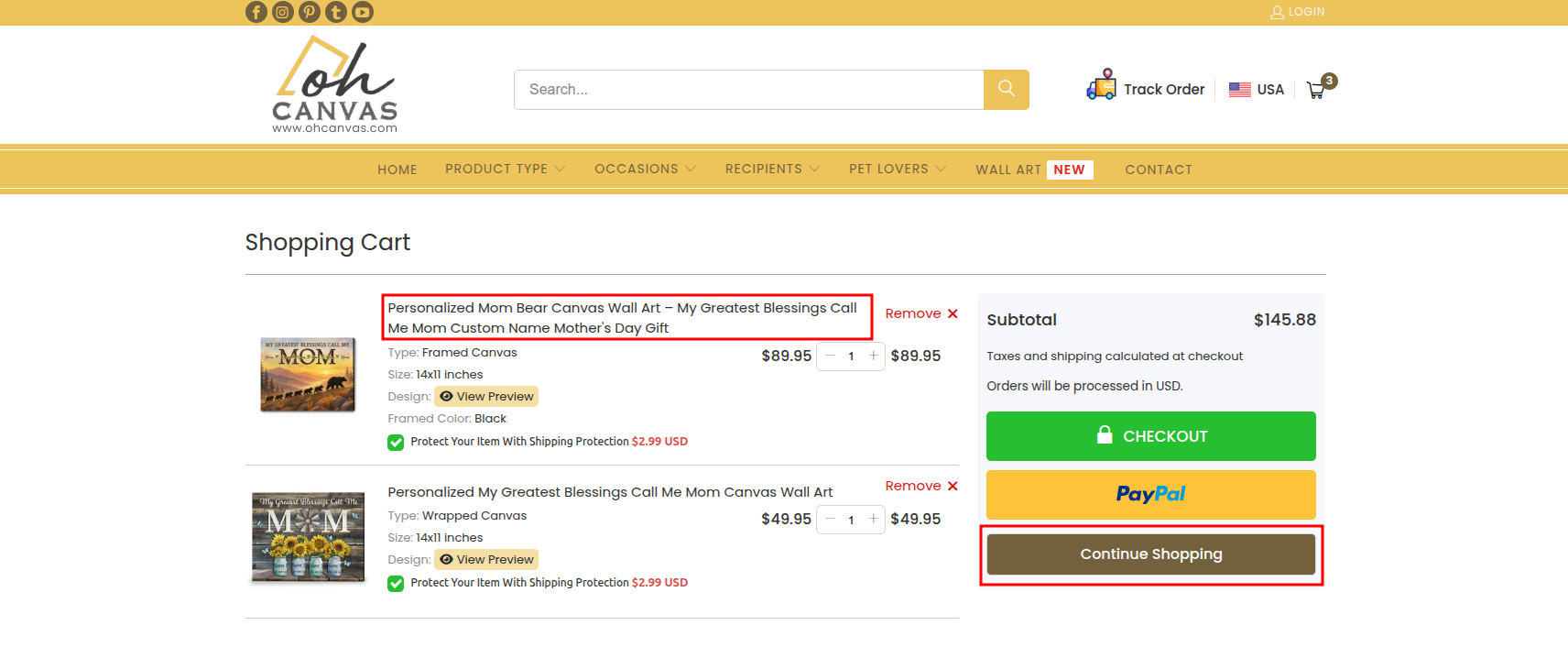
Step 3: Customize and add your second canvas Your first item is safely stored in your cart. Now, simply change the Size, Frame Color, or any personalization details for your second canvas. Once you are happy with the new choices, click the Add to Cart button again.
Step 4: View Cart and Checkout Repeat this process for as many variations as you need. When you have added all your desired canvases, click View Cart & Checkout on the pop-up. You will see a list of all your selected items with their specific sizes and colors ready for purchase!