
Whether you want to add more beautiful canvas prints to your collection or remove items you no longer need, managing your cart is quick and easy. This simple step-by-step guide will ensure you have a smooth and hassle-free shopping journey with Oh Canvas.
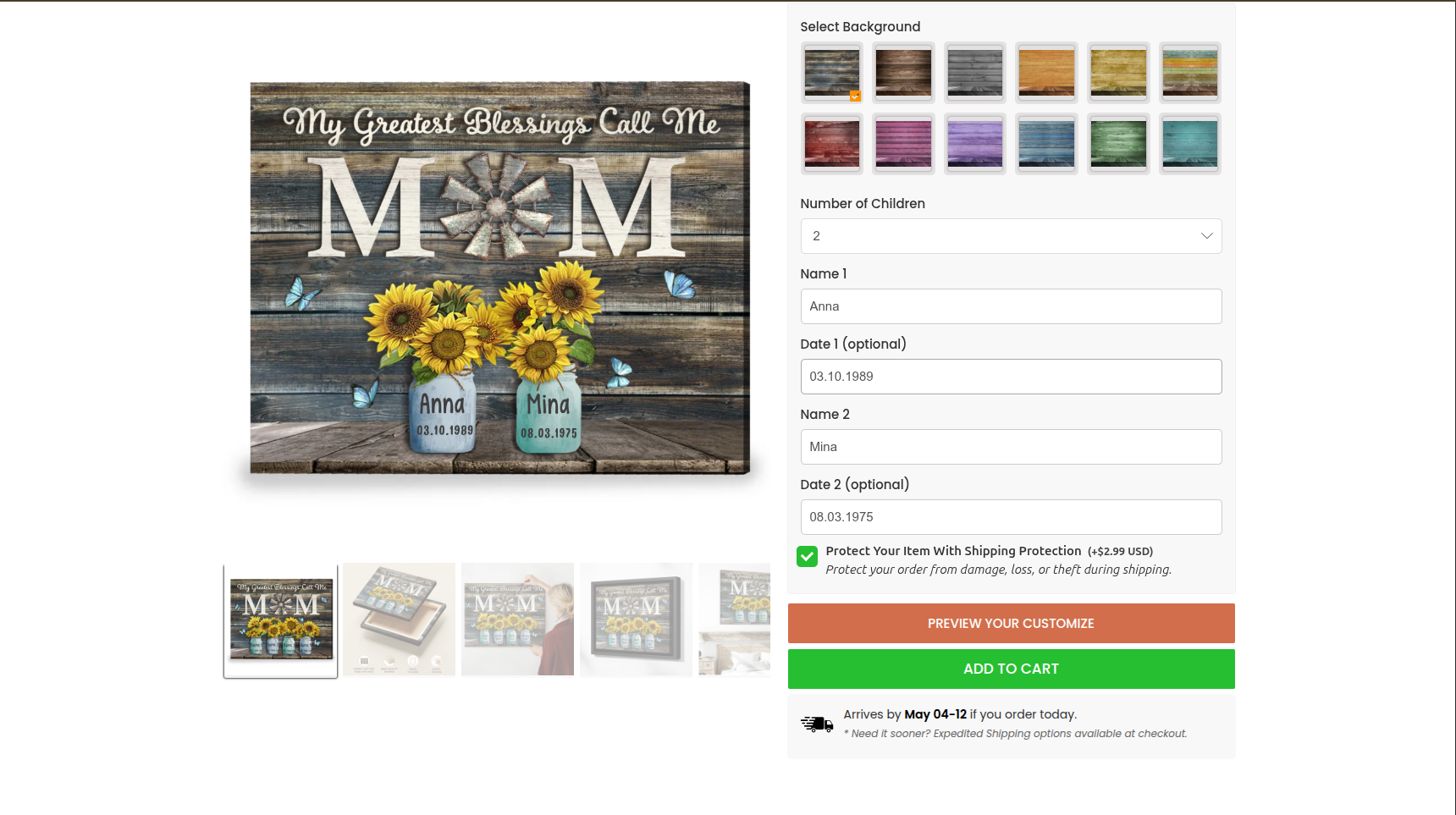
Step 1: Customize your product and Add to Cart Once you have finished personalizing your item with your favorite options, simply click the Add to Cart button on the product page.
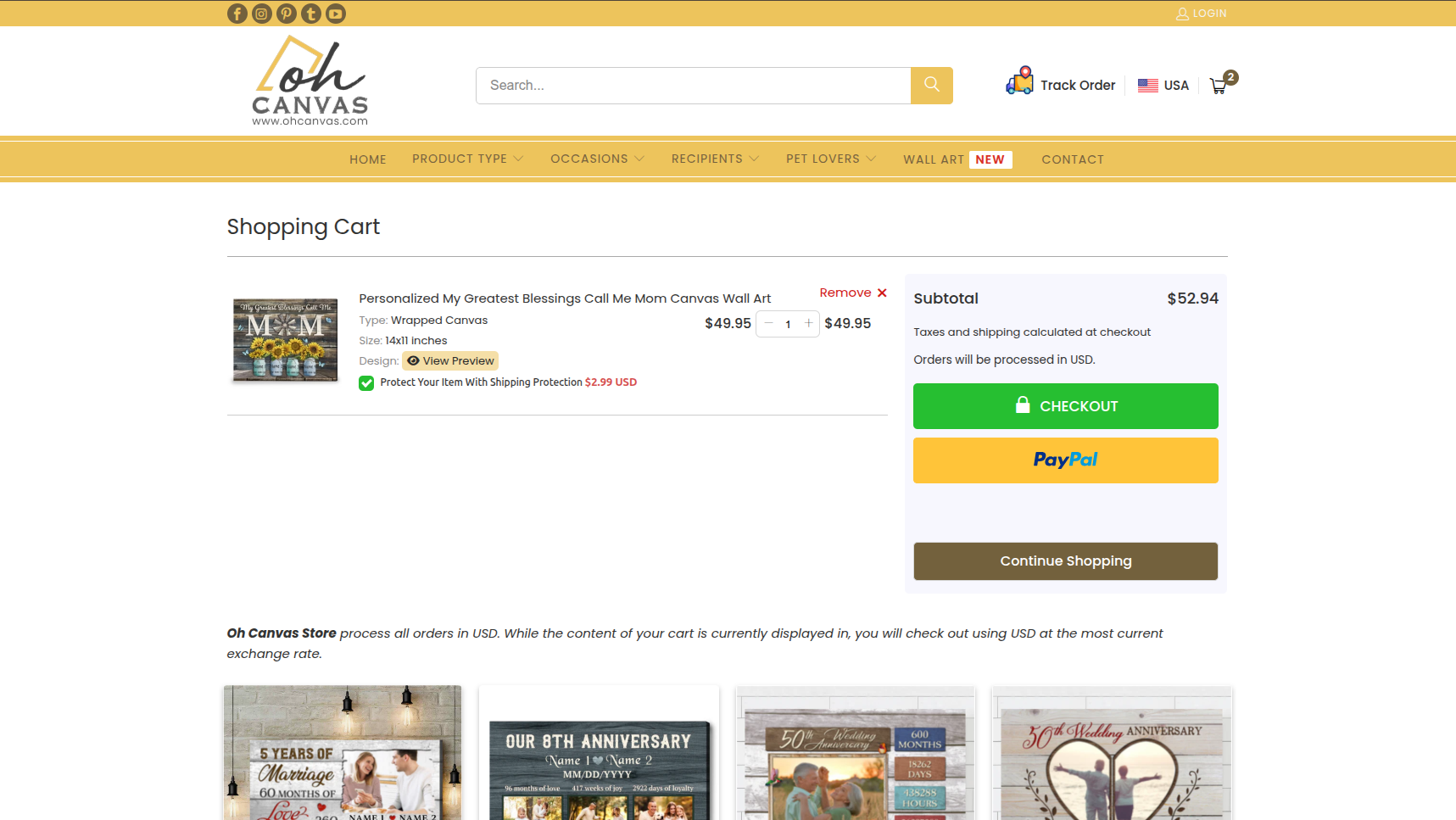
Step 2: Check your Cart You can review your items at any time by clicking the Cart icon located at the top right corner of the Oh Canvas homepage.

Step 3: Adjust the quantity or remove items On the Cart page, all your selected items’ information will be displayed.
-
To change the quantity: Simply click the “+” and “-“ buttons next to the item to increase or decrease the number of products.
-
To remove an item: Click the Remove button (or the trash can icon) next to the product you wish to delete completely from your cart.
We would appreciate it if you could provide us with a review indicating whether this article has been helpful to you. Please share your feedback below so we can continue to improve your experience!